🐉 Kali MCP Server
The Kali Linux MCP Server is a specialized implementation of the Model Context Protocol (MCP). It allows AI agents like Claude Desktop, Cursor, and GitHub Copilot to natively “speak” to Kali Linux. Instead of copy-pasting terminal output, your AI assistant can now autonomously run Nmap scans, perform WHOIS lookups, fuzz directories, and interface with the Metasploit Framework in real-time.
🔗 Quick Links
| Resource | Location |
|---|---|
| Source Code | GitHub Repository |
| Docker Image | Docker Hub Registry |
| SDK Foundation | FastMCP Python SDK |
✨ Key Features
- 🎯 Professional Tooling: Access 21+ industry-standard tools for Reconnaissance, Scanning, Web Security, Password Cracking, and Exploitation.
- 📦 Zero-Config Containerization: Use our pre-built Docker image to run a full Kali environment on Windows, macOS, or Linux without polluting your host system.
- ⚡ Native Integration: Built on the official MCP Python SDK using
stdiotransport for instant compatibility with AI IDEs (Cursor, VS Code) and Claude Desktop. - 🛡️ Automated Isolation: Features an automated build process that handles complex dependencies like the Metasploit Framework and
rockyou.txtwordlists out of the box.
📺 See it in Action
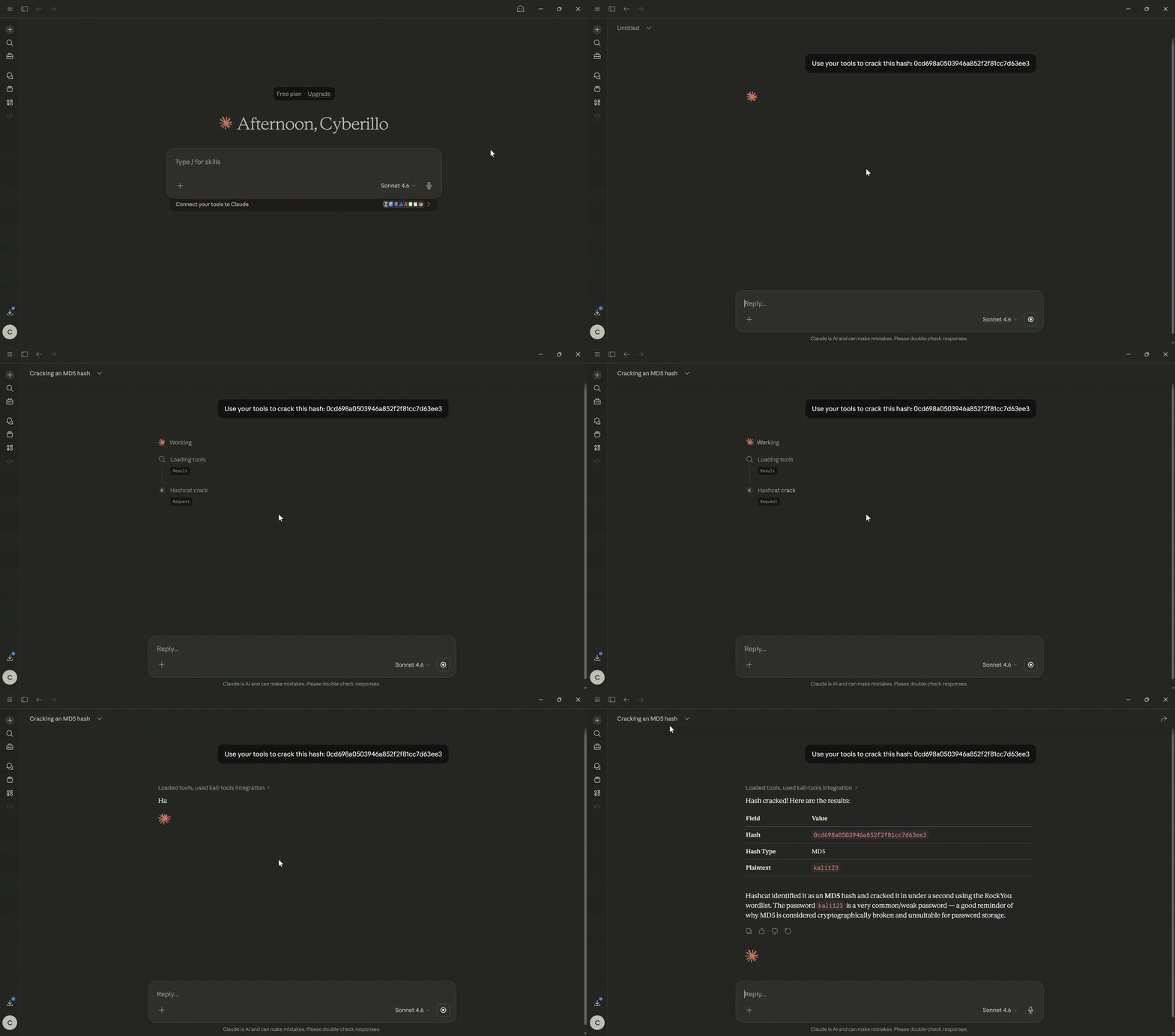
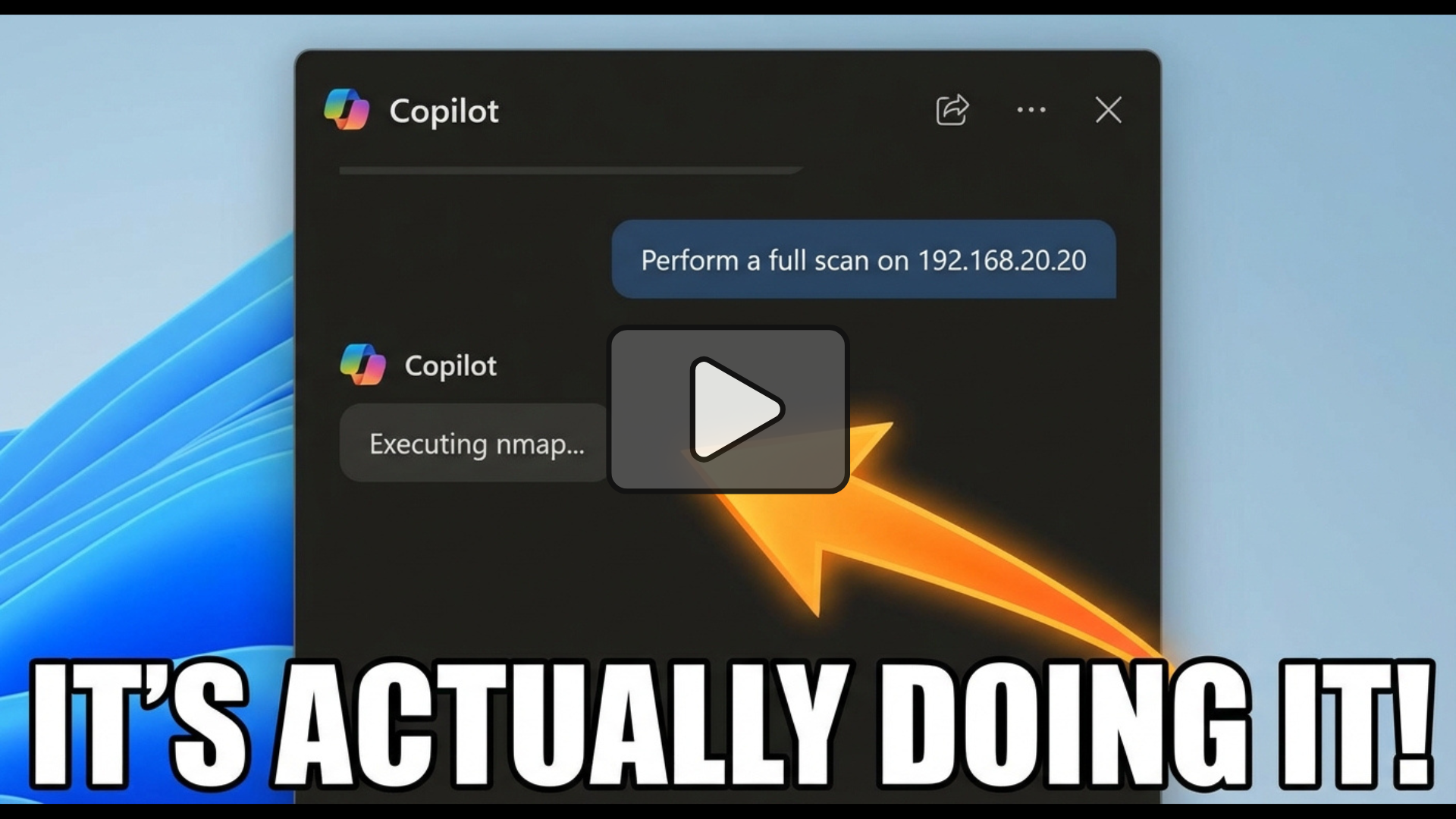
Explore how AI agents handle real-world security tasks using this server.
Hash Crack
Vulnerability Scan
🚀 Getting Started
Method 1: Docker (Recommended)
The “Gold Standard” for security tools. This ensures all dependencies and wordlists are ready to go.
- Pull the Image:
docker pull cyberillo/kali-mcp-server:latest
- Test the Connection:
docker run -i --rm kali-mcp-server
Method 2: Local Python Execution
Best for developers already running Kali Linux as their primary OS.
- Clone & Setup:
git clone https://github.com/cyberillo/kali-mcp-server.git
cd kali-mcp-server
python3 -m venv venv && source venv/bin/activate
pip install mcp
- Launch:
python3 kali-mcp-server.py
🤖 Configure Your AI Client
Claude Desktop
Add this to your claude_desktop_config.json:
"mcpServers": {
  "kali-tools": {
    "command": "docker",
    "args": ["run", "-i", "--rm", "kali-mcp-server"]
  }
}
GitHub Copilot (VS Code)
Update your .vscode/mcp.json:
"servers": {
  "kali-mcp-server": {
    "type": "stdio",
    "command": "docker",
    "args": ["run", "-i", "--rm", "kali-mcp-server"]
  }
}
🛠️ Available Toolset
The server exposes specialized capabilities across the entire penetration testing lifecycle:
| Category | Highlights |
|---|---|
| Recon | whois, dnsenum, whatweb, amass, netdiscover |
| Scanning | nmap, enum4linux, smbclient |
| Web Security | sqlmap, nikto, gobuster, dirb, wpscan, ffuf, wfuzz |
| Cracking | hydra, john the ripper, hashcat |
| Exploitation | metasploit_exploit, searchsploit, tcpdump |
💡 Important Considerations
⚠️ Security & Permissions
- Privileged Tools: Commands like
tcpdumpornetdiscoverrequire raw network access. If running via Docker, you may need to add the--privilegedflag to your config. - Timeouts: Heavy tasks (like a full Metasploit exploit or Nikto scan) have built-in safety timeouts (up to 600s) to prevent the LLM from hanging.
🧠 Pro-Tip for Prompting
When asking your AI to use Metasploit, instruct it to format options as comma-separated pairs.
Example: Run an exploit on 192.168.1.5 with options RHOSTS=192.168.1.5,LHOST=10.0.0.2
Disclaimer: This tool is for educational and authorized security testing purposes only.